Taste Vault.
A design vocabulary for AI to build from.
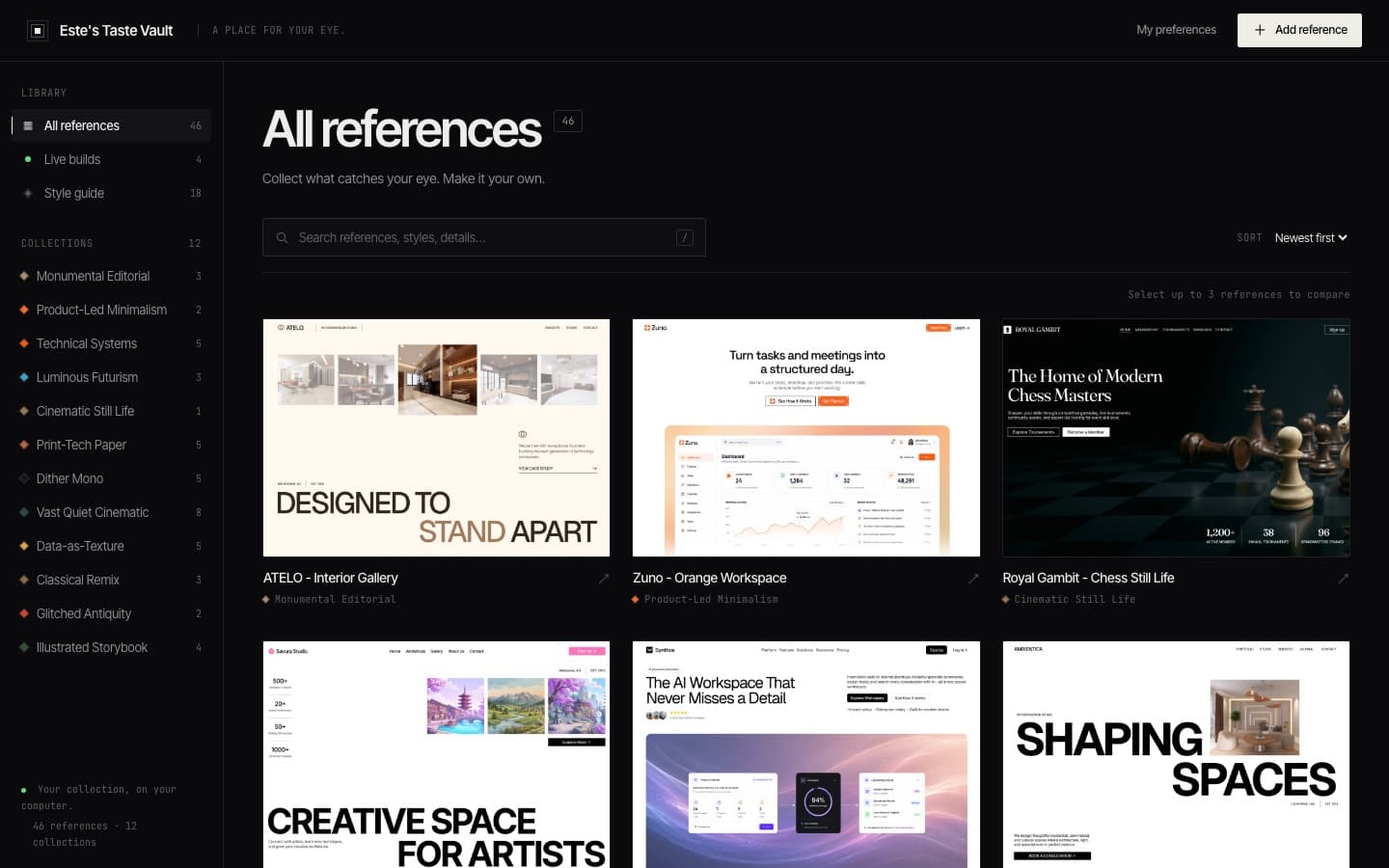
'Make it look good' is a bad prompt. This is a reference library that turns sites I like into specific language I can give Claude, plus live, running mockups.
Taste Vault is an open-source project by cth9191. I adopted it, restyled it to my design principles and added the Live builds shelf.
AI builds generic because we ask generically.
When you tell an AI to make something 'clean and modern,' you get the average of the internet. I kept getting purple gradients and rounded cards I didn't want.
The fix is vocabulary. If I can name what I like (monumental editorial type, data as texture, a dither-mono palette), I can give Claude a brief it can actually build from.
Adopt, then make it mine.
I first built my own version from scratch, then found an open-source project that did it better. I deleted mine and adopted it. Each reference is stored with its collection, style family, vocabulary and notes, and 'Copy combined brief' turns a few picks into a prompt I paste into Claude Code.
Then I made it mine. I restyled the whole interface to match my design rules (near-black, sharp 2px edges, hairlines, staggered motion) and added Live builds: running HTML mockups instead of screenshots, with Desktop, Tablet and Mobile toggles. That's where I compared four homepage concepts for SPCTR before picking one.
From screenshot to brief.
Every reference becomes structured data, and structured data becomes prompt context.
- A site I likeScreenshot or a live HTML build
- Claude visionExtracts title, style family, vocabulary, image recipe
- gallery.json / live.jsonData, not code: a new entry is one object
- Combined briefCompare up to 3, copy one brief
- Claude CodeBuilds from specific language, not 'make it pop'
What this taught me about building with AI.
Context beats cleverness
Most of prompting well is providing the right context. A precise design vocabulary does more than any magic phrase.
Vision models as data entry
Claude looks at a screenshot and writes the structured metadata, so the library grows without hand-tagging.
Don't rebuild what exists
Adopting a better open-source tool and extending it beat polishing my own. The skill is knowing when to switch.
The parts that didn't work the first time.
Screenshots can't show motion, and motion is half of what I care about.
Keep the reference in the same medium as the thing it references. That's why I added Live builds.